Chatting with PostQode
tip
Bottom line: PostQode is like a smart teammate inside VS Code. You can chat with it in everyday English to write, fix, explain, and test your code, all without leaving your editor.
Quick Setup
Find the PostQode icon ( ) in VS Code's Primary Side Bar. Click it to open the chat panel.
Lost the panel? Go to View > Open View... and search for "PostQode"
How to Talk to PostQode
The key insight: Just type what you want in normal English. No special commands needed.
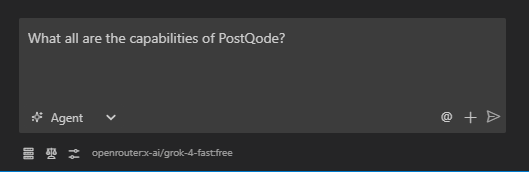
Good requests:
create a new file named utils.py and add a function called add that takes two numbers as arguments and returns their sum
in the file @src/components/Button.tsx, change the color of the button to blue
find all instances of the variable oldValue in @/src/App.js and replace them with newValue
What makes requests work:
- Be specific - "Fix the bug in
calculateTotalthat returns incorrect results" beats "Fix the code" - Use @ mentions - Reference files and code directly with
@filename - One task at a time - Break complex work into manageable steps
- Include examples - Show the style or format you want
The Chat Interface
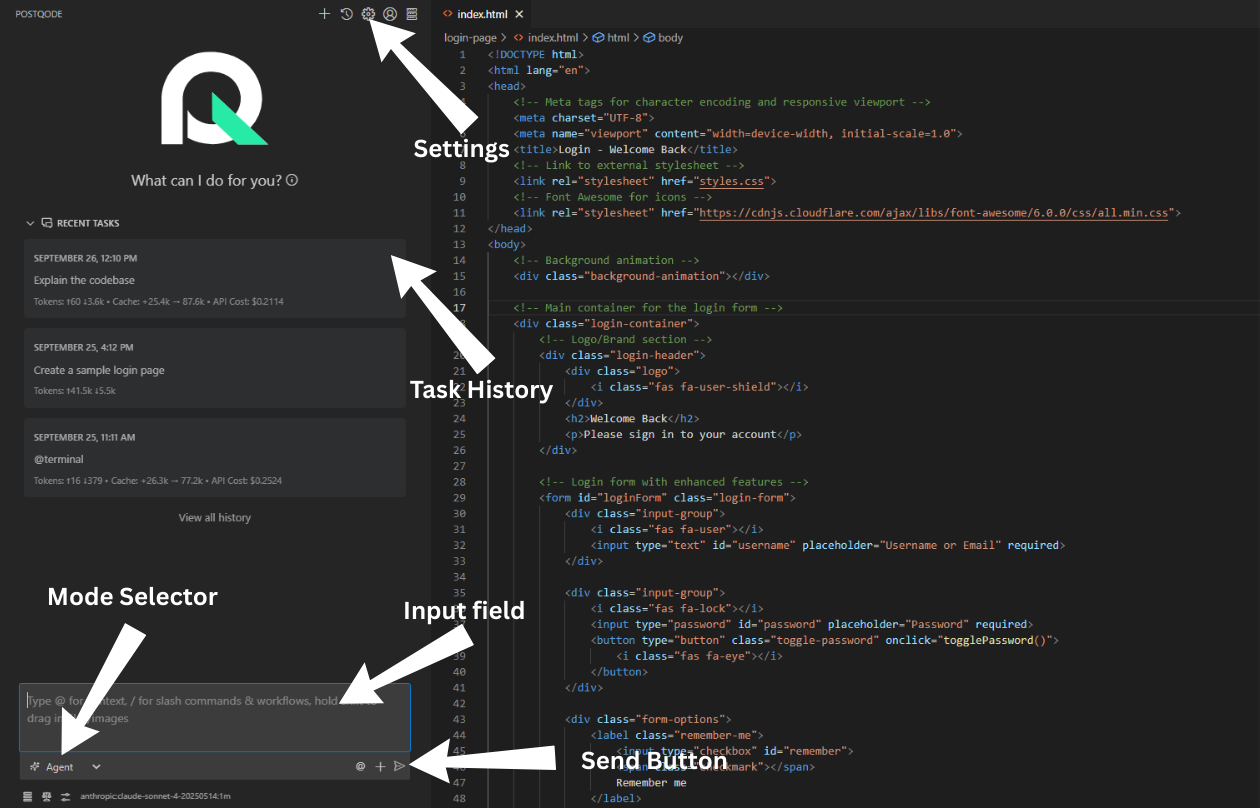
Everything you need is right here